Meta's AI can write, resize, translate and now help manage campaigns. These seven checks keep the speed and keep you in charge of what your customers actually see.
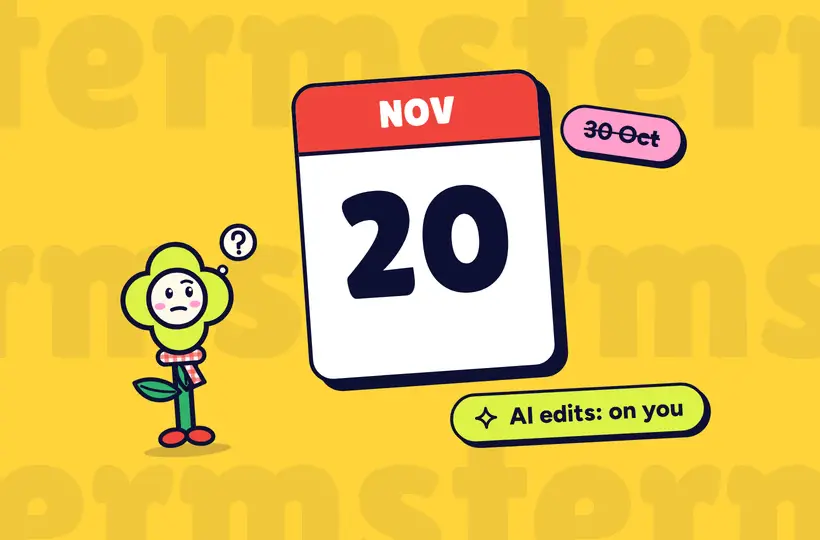
Meta's AI tools can save real time. In October it also showed an AI business assistant that can make campaign changes from a chat prompt, and those changes still need a person to review them. With new terms due on 20 November, it's a good moment to check what those tools are doing in your account.
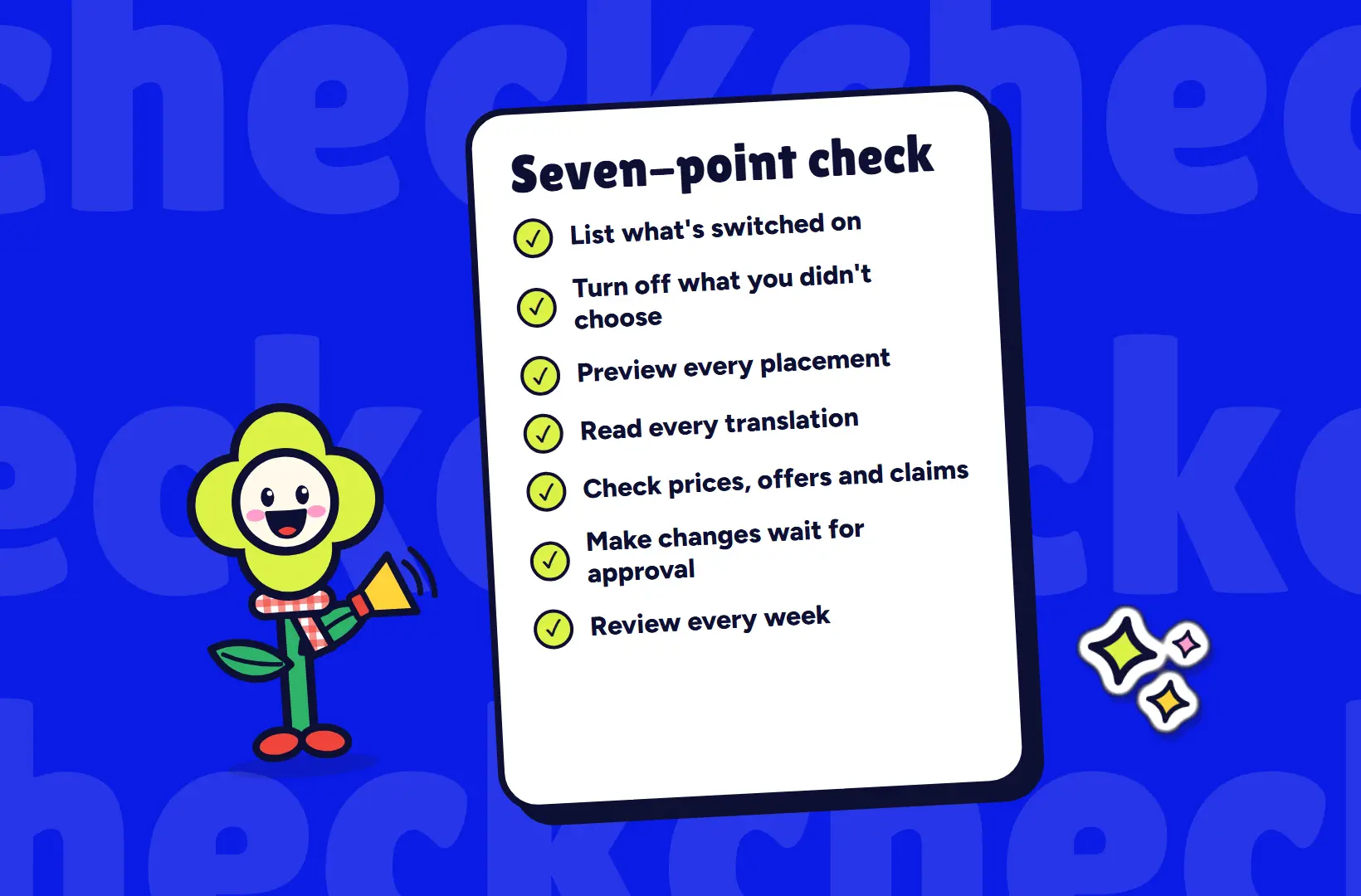
Set aside an hour and work through these seven points.
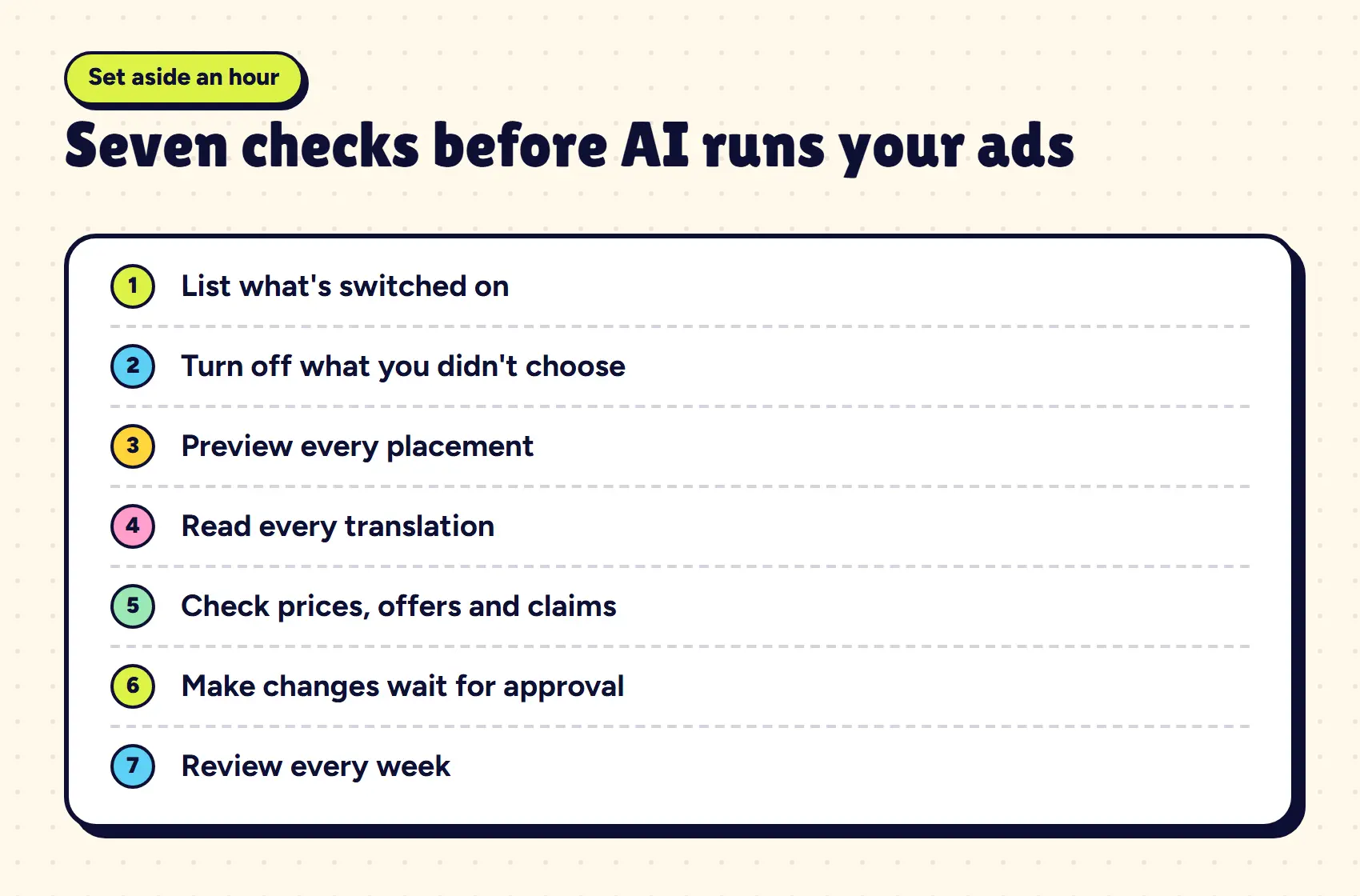
1. List what's switched on
Open each active ad and note every AI or Advantage+ option that is enabled. Automated account updates can change settings, so don't rely on what you remember choosing.
2. Turn off what you didn't choose
Keep the features you have a reason to use. Switch off the rest, and write down why you made each decision. The list becomes your standard setup for new campaigns.
3. Preview every placement
An ad that looks right in the Facebook feed can crop badly in Reels or Stories. Check each placement you're paying for, on a phone.
4. Read every translation
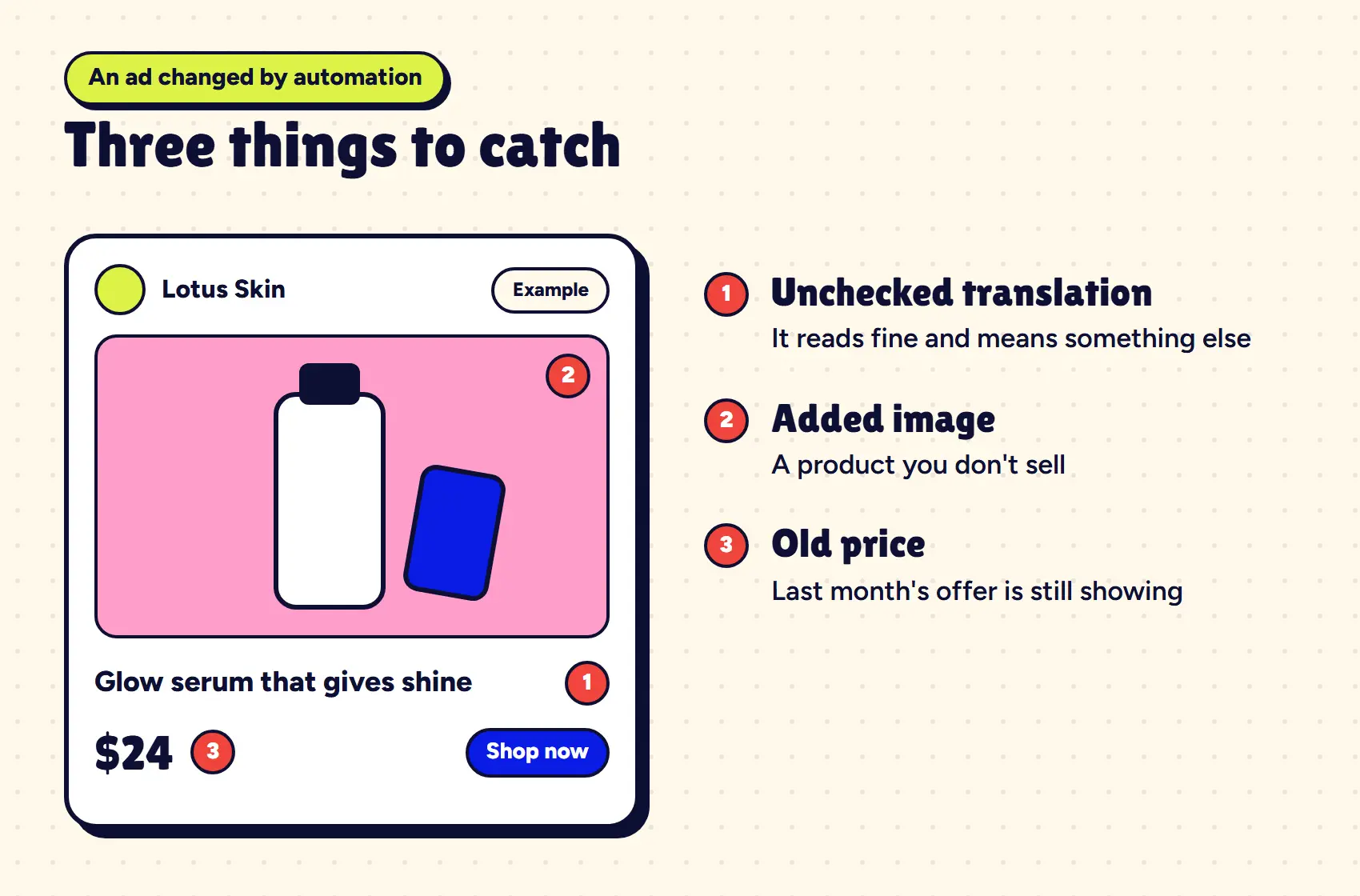
Machine translation can read fluently and still be wrong. Have a fluent Khmer speaker read the final ad, and watch for broken letters too, as not every format displays Khmer script well.
5. Check prices, offers and claims
Generated copy can invent a benefit or repeat last month's offer. Compare each ad against your current price list and anything you can't legally or truthfully promise.
6. Make changes wait for approval
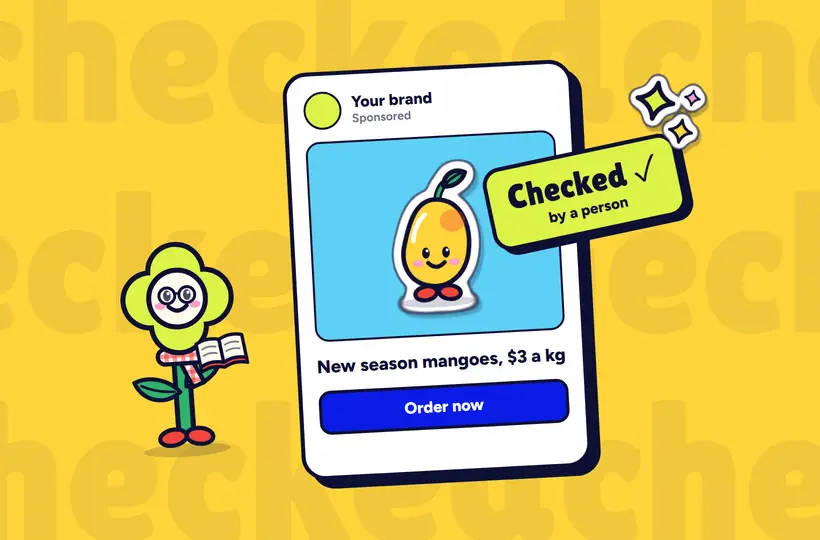
Whether you use Meta's assistant or a third-party tool, the rule is the same: AI drafts, a named person publishes. Agree who that person is, including when an agency or freelancer runs the account for you.
7. Review every week
Look through the account's activity history and your live ads once a week. Ten minutes on a fixed day will catch most problems before they have spent much money.
 That's the note. Plant it somewhere.

Menghorng founded Lify in to give Cambodian harvests a name, and writes about brands, search, social media and payments for farm and food businesses.